
Velvet Pin Badge File Setup: The 8 mm Bleed Problem
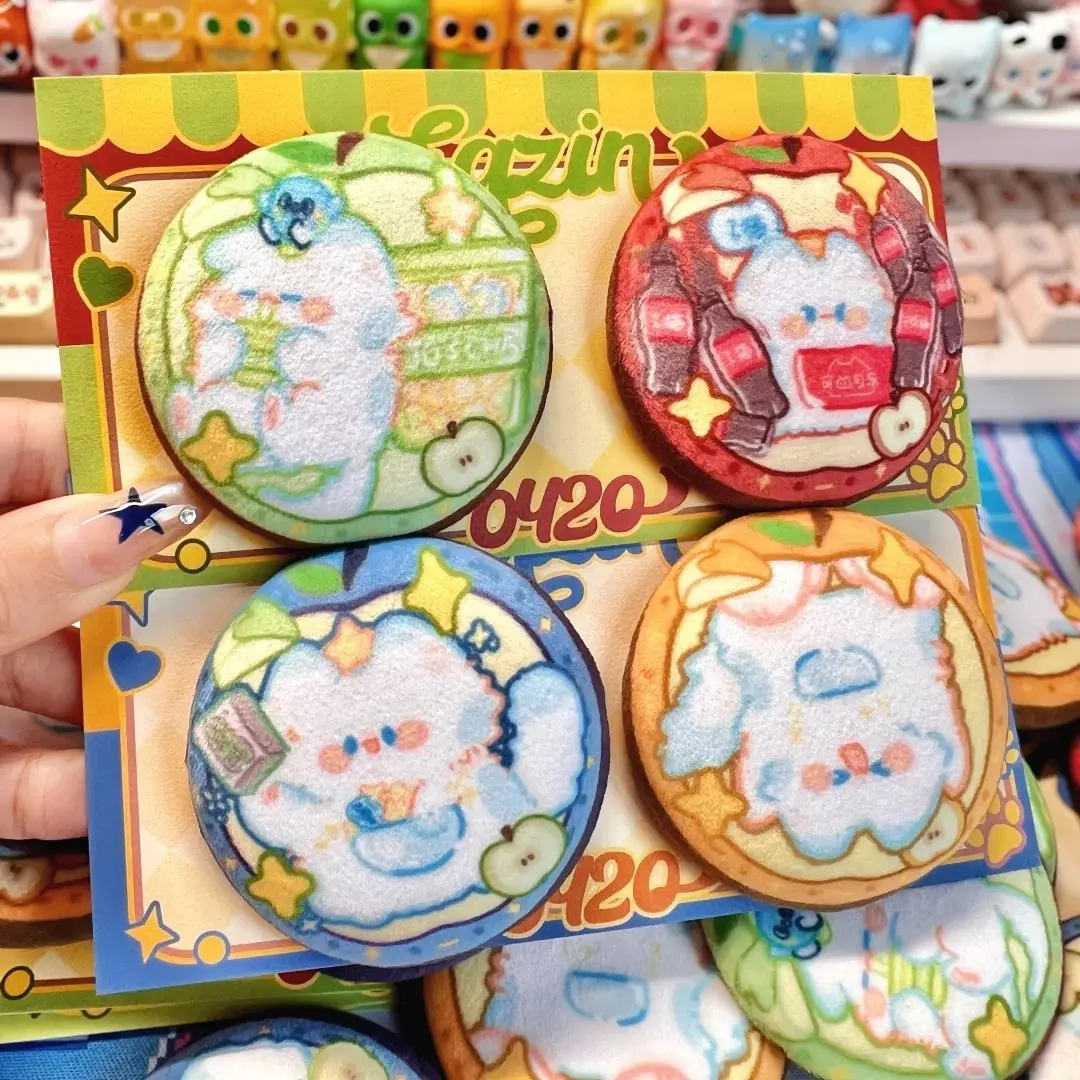
Velvet Pin Badge File Setup: The 8 mm Bleed Problem
Why velvet badges need more bleed than standard buttons — and how to fill it correctly.
TL;DR
A 58 mm velvet pin badge from Popecho is built on a thick foam core wrapped in elastic crystal velvet, which means the fabric pulls further around the badge edge than a standard tinplate button — requiring a full 8 mm bleed on a 72 × 72 mm canvas. The single decision that most affects the finished result is background fill: any gap in that bleed zone prints white and cannot be corrected after production. Set your canvas to 72 × 72 mm, fill every pixel, and keep critical art inside the red cut circle in Popecho's onsite editor.
What This Subtype Actually Demands
A velvet pin badge is not a flat-print button badge with a fabric finish on top. The elastic crystal velvet completely covers the printed layer — the pile sits between your artwork and the viewer's eye, giving the badge its signature soft, squeezable feel. That tactile quality is the whole point of the product, but it creates a constraint flat badges don't have: the velvet wraps further around the edge during assembly, compressing and obscuring more of the outer art than you'd expect.
This is why the design canvas is 72 × 72 mm for a 58 mm finished badge — an 8 mm bleed on every side, roughly twice what standard 58 mm button badges require. The larger wrap zone exists entirely because of how velvet fabric behaves under the tinplate shell. Treat the bleed as structural, not optional.
Setting Up the Artwork
Open the product in Popecho's onsite editor and you'll see two key reference markers: a red circle marking the 58 mm cut line, and a semi-transparent pink ring between the red circle and the outer canvas edge. That pink ring is your bleed-and-wrap zone — it must be filled with background colour or art, not left empty.
Popecho's editor loads the canvas already sized to 72 × 72 mm, so you don't need to calculate the bleed offset manually. What the editor cannot do for you is fill your background — that's on your artwork file. Build at 300 DPI in RGB colour mode. Keep critical text and key art elements well inside the red cut circle; anything touching or crossing that line will be hidden under the fabric wrap edge in the finished badge. Submit as PNG, JPG, or JPEG under 2 MB.
One orientation detail worth flagging separately: the pin-back position is fixed during assembly. Popecho's file-prep guide includes an explicit correct-versus-incorrect orientation example. Submit your file upright as it should appear on the badge — rotating it after production is not possible.
Surface and Production Decisions
The velvet face is printed via sublimation onto elastic crystal velvet before assembly. Real-photo artwork renders adequately on this surface, but colours shift relative to your screen preview — the pile and fabric stretch cause slight desaturation, and fine linework at the edges can become illegible once the fabric is under tension. Illustrated or graphic artwork with clear shapes and strong contrast holds better than photography.
Colour mode matters here: Popecho's editor workflow is RGB throughout. If your source file was built in CMYK, it will be converted during production. Reds and skin tones are the most common casualties of that conversion — what looks neutral in CMYK often reads warm or oversaturated in the printed RGB output. Do your proofing in RGB before uploading.
The thick breathable foam core adds slight height variation between units — finished dimensions are hand-measured with natural variance. Physical units are the final size reference. For creators planning display installations or badge sets where precise alignment matters, factor in a small tolerance per unit.
What Trips Creators Up
Leaving any part of the bleed zone empty. Any area inside the 72 × 72 mm canvas that isn't filled with art or background colour defaults to white — and that white prints directly onto the finished badge. It's visible, it's permanent, and it's the leading failure mode for velvet badges. Fill the full canvas edge-to-edge.
Placing important detail too close to the cut line. The red circle marks the cut, but the velvet wrap pulls inward from that line. Text or small design elements near the edge won't be cleanly cropped — they'll be partially obscured under the folded fabric edge. Keep anything critical comfortably inside the circle.
Submitting the file rotated. Because the pin clasp is assembled at a fixed position, a rotated artwork file produces a badge where the pin sits at the wrong angle relative to the design. There's no correction available after production. Check orientation before uploading.
Expecting screen-accurate colour. Velvet sublimation shifts colours — especially skin tones, saturated reds, and fine gradients. Proof in RGB, expect some variance, and lean toward designs where slight colour shift won't break the read of the image.