
Mini Button Badge File Setup: 25mm Bleed and Safe Zone
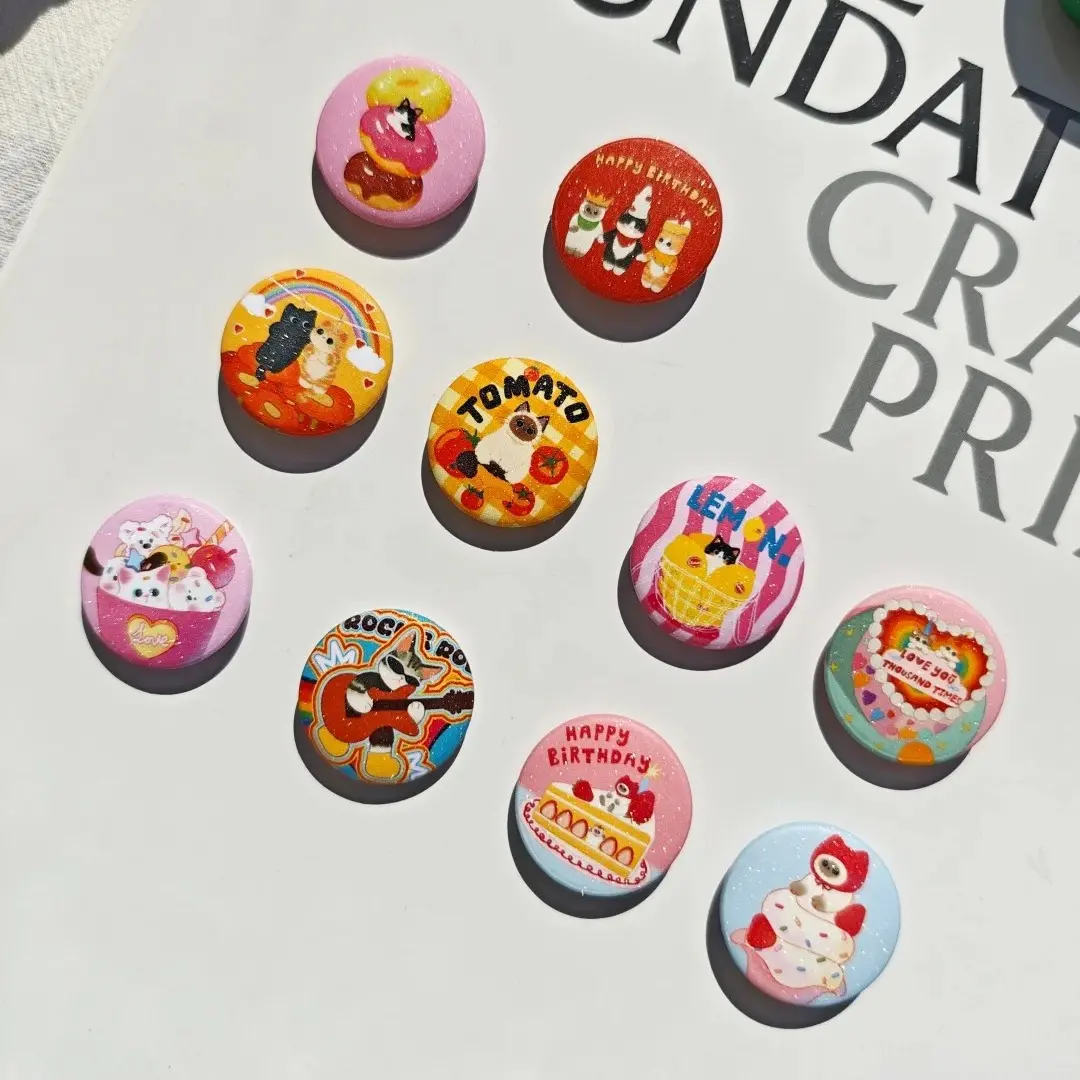
Mini Button Badge File Setup: 25mm Bleed and Safe Zone
Why the tiny canvas, pin-back rotation, and laminate choice each change the final badge.
TL;DR
A custom mini button badge from Popecho prints at 25 mm finished diameter — one of the smallest standard badge sizes — which means every millimeter of your canvas matters. The critical decisions are filling the full 35 × 35 mm bleed canvas, keeping key art inside the safe zone, choosing the right laminate for your art style, and uploading in RGB. Open the product in Popecho's onsite editor first; the die-cut outline and safe-zone overlay load automatically so you can verify placement before you confirm the order.
What This Subtype Actually Demands
Twenty-five millimeters is roughly the diameter of a large coin. At that scale the badge surface is less forgiving than any larger round format: fine linework disappears, small text becomes illegible, and an overcrowded background turns into visual noise. The circular crop also has no fixed orientation — the pin-back clutch is attached during assembly without alignment to the artwork, so the pin direction will not consistently match the top of your image. That single mechanical fact shapes almost every design decision: no edge text that implies a top, no directional frame elements near the boundary, and no packaging boards that rely on a specific pin-top orientation. The 5 mm bleed wraps physically around the badge edge and shows on the finished product, so it must be filled — a white or transparent bleed zone will appear as a pale ring on the real badge.
Setting Up the Artwork
Set your canvas to 35 × 35 mm (413 × 413 px at 300 DPI). The finished cut is a 25 × 25 mm circle centered in that canvas; the outer 5 mm on all sides is the bleed. Open the product in Popecho's onsite editor and the die-cut circle and safe-zone overlay load automatically — you do not need to construct the guide geometry yourself. The safe-zone ring marks the area where slight rotational variance during badge pressing can shift the visible edge; keep all faces, character names, and any text you care about well inside that ring.
Popecho's editor also surfaces the print and laminate selectors as variant toggles on the same canvas view, so you can preview the star-glitter or matte finish choice before committing. File format on upload is PNG or JPG only, maximum 2 MB, in RGB color mode. Convert your file before uploading — the editor will flag a color-mode error at cart stage if it detects CMYK, and that flag is not cosmetic: CMYK files produce saturation and hue shifts in print that are outside Popecho's quality-guarantee scope.
Surface and Production Decisions
The laminate you choose changes the character of the design more than print color alone. High-gloss transparent film gives the strongest contrast and color fidelity — the right choice for bold line art and solid color fields, though it picks up glare in photos. Matte film softens perceived saturation slightly, which works well for pastel or watercolor-style art but can make already-pale colors look washed out; if your palette relies on delicate low-saturation tones, proof the matte option before ordering a full run.
Star-glitter laminate adds a holographic micro-scatter sparkle across the whole surface. The effect is strong retail appeal — especially for fan-event and idol-merch drops — but the glitter texture partially obscures very fine linework and subtle gradients. Thin strokes and near-white passages lose definition under this film. Design for it intentionally: bold shapes, higher contrast, and fewer hairline details.
For print depth, 7-color expanded-gamut printing is worth the upgrade when your design contains highly saturated or neon-adjacent tones. Even with 7-color, avoid RGB values with any channel below 20 or colors pulled from out-of-gamut zones in Photoshop's color picker — those will still shift noticeably in the press output. Popecho's production lead time for this product is 12 days.
What Trips Creators Up
Leaving the bleed zone white or transparent. The 5 mm bleed wraps around the physical edge of the badge and is visible. Fill it completely with your background color or a bleed extension of the key art — any gap shows as a pale ring on the finished piece.
Placing text or faces near the edge. The safe-zone ring in Popecho's editor exists because rotational variance during pressing is real. Critical elements that sit close to the 25 mm cut line can appear clipped or half-hidden. Treat the safe zone as the true design boundary.
Uploading in CMYK. The editor flags it, but many creators dismiss the warning. CMYK files produce unpredictable hue and saturation shifts — convert to RGB before uploading, every time.
Expecting fine linework to survive at 25 mm. Hair-thin strokes, delicate texture fills, and small text frequently break or disappear at this print size. Simplify the design, increase stroke weight, and verify at 1:1 scale on screen before uploading.