
Custom Print T-Shirt File Setup: A4, RGB, and Background Logic
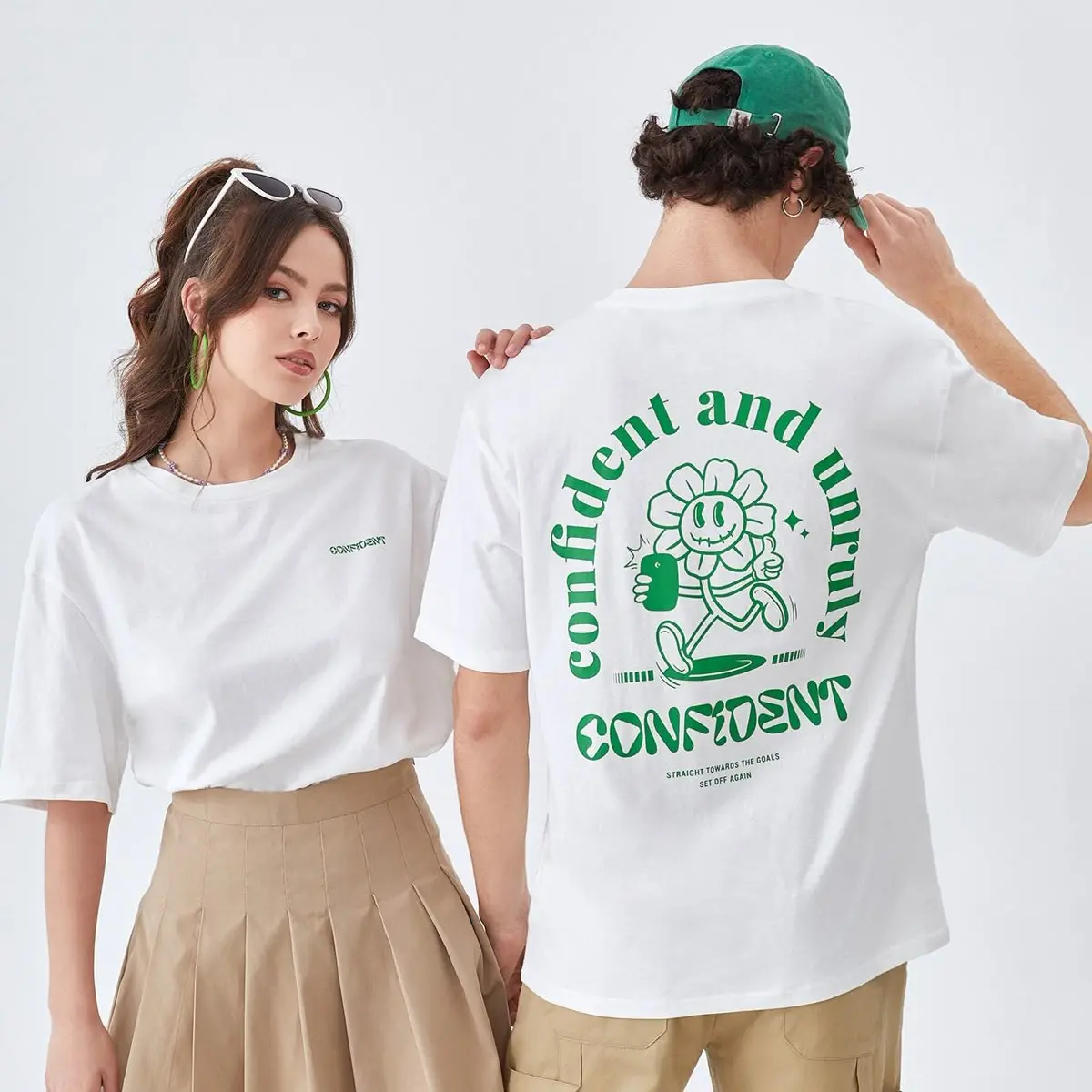
Custom Print T-Shirt File Setup: A4, RGB, and Background Logic
Why transparent PNG and color mode decide whether your chest print lands or fails.
TL;DR
Popecho's custom print t-shirt uses heat-transfer onto 210g/m² combed cotton jersey, with a fixed A4 chest print area (210×297mm) and black or white colorways. The single decision that controls most outcomes is your file's background type and color mode: transparent-background PNG in RGB keeps dark and light shirts clean, while CMYK files or white-background JPGs create visible defects that can't be fixed after production. Prepare your artwork at 300 DPI, sized exactly to A4, and upload through Popecho's onsite editor to proof placement before ordering.
What This Subtype Actually Demands
A chest-print tee looks simple until you realize every file choice you make is also a fabric choice. Heat-transfer printing onto cotton jersey does not behave like a screen or an inkjet proof — the dye absorbs into the weave, shifts color slightly, and renders your artwork against the garment's own surface rather than a neutral white substrate. Popecho produces this tee in two colorways — black and white — and each one creates a different set of constraints that flow directly back to how you build your file. The back panel is non-customizable in this configuration, so all your creative and technical energy goes into one surface: the front chest, within a strict A4 boundary placed at least 80mm below the collar seam. Getting that single surface right is the whole job.
Setting Up the Artwork
The print area is 210×297mm at 300 DPI, which maps to a pixel canvas of 2480×3508px. Build your design file to exactly that size — not larger, not cropped. Open the product in Popecho's onsite editor and the A4 placement zone appears as your active art boundary; the editor shows you exactly where the chest print will sit so you can judge scale and margin before submitting.
Color mode must be RGB. CMYK will survive the upload but will desaturate and hue-shift badly in production — there is no recovery step after printing. Convert before you export.
Background handling is the most consequential file decision you'll make:
- Transparent-background PNG on either colorway: the garment color shows through non-artwork areas, which is clean on both black and white shirts.
- White-background PNG on a black shirt: an opaque white rectangle prints around your artwork. It will look like a patch, not a print.
- JPG on any shirt: the baked background color always prints. On a white shirt the result may be acceptable; on a black shirt it is almost always a visible block.
Keep file size under 10MB. PNG is the preferred format; JPG is accepted but use it only when your artwork has no transparent areas and you are printing on a white shirt.
Surface and Production Decisions
Heat-transfer onto combed cotton jersey produces color that differs from your screen render — this is not a defect, it is the physics of dye on fiber. The fabric specification gives you a smooth, consistent surface that supports sharp print transfer, but it also absorbs color in a way that shifts saturation slightly warm and flattens very dark or near-white values.
Practical adjustments before you export:
- Slightly increase saturation on colors that need to read vibrantly, especially mid-tones on dark garments.
- Avoid near-transparent areas — anything below roughly 20% opacity will not reproduce and is outside the quality guarantee.
- Avoid ultra-fine lines and mesh/grid patterns — these drop out at transfer resolution on fabric texture.
- Gradients that approach white on a black shirt will effectively disappear in print; give them a harder edge or a higher minimum value.
Popecho's production lead time for this tee is approximately 10 days. MOQ is 1 unit, which makes a single proof order practical before you commit to a full size run. Order one unit on your target colorway first, especially if your design uses tight color relationships or subtle gradient work.
What Trips Creators Up
CMYK file submitted as RGB. Many design apps export with a legacy CMYK profile even when the canvas looks correct. Check your export settings explicitly — the color mode field in your export dialog, not the canvas preview, is what Popecho's production pipeline reads.
White background on a black shirt. This is the most common ordering mistake. If your artwork has any non-transparent background — even a subtle off-white from a canvas export — it will print as a block on a dark garment. Check your PNG export settings and confirm the checkerboard transparency pattern before uploading.
Artwork sized loosely inside A4. Designers sometimes center a small illustration in a larger canvas and export the whole file. If the illustration is only 100mm wide inside a 210×297mm canvas, the print will be much smaller than expected on the shirt. Size your artwork to fill the print area intentionally, not just technically.
Expecting screen color accuracy. Fabric printing always shifts color. Creators who proof on screen and expect an exact match will be disappointed. Submit a single-unit order first, see the physical result, and adjust artwork before scaling.