
Foil Border Art Card: Designing Around the Physical Wrap
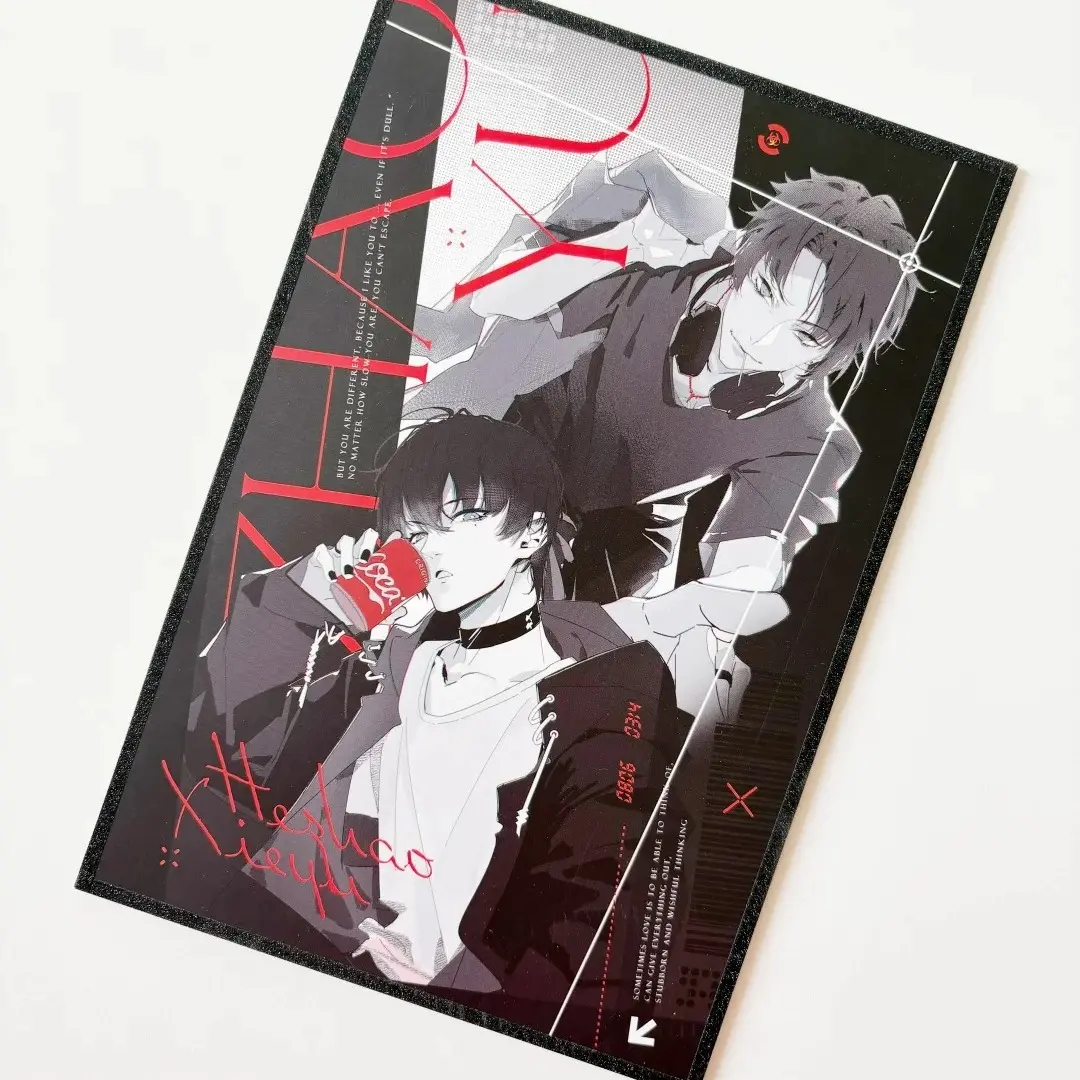
Foil Border Art Card: Designing Around the Physical Wrap
The border colour is a production variable, not a design element — here is how to treat it that way.
TL;DR
Foil border art cards are printed cards where a separate metallic or shimmer film strip is physically folded and bonded over all four edges after printing. The single most important production decision is understanding that the border zone is not part of your artwork canvas — it is applied on top of it. Keep critical art and text inside the safe zone shown in Popecho's onsite editor, choose your border colour as a spec selection, and export at 300 DPI CMYK before uploading.
What This Subtype Actually Demands
The foil border art card works differently from a flat print product. Every card gets a physical film strip — metallic, holographic, or flowing-sand shimmer — folded and bonded over the card's perimeter after the face is printed. That process creates a visible border that is not part of your artwork file. It means two things immediately: your design cannot extend to the absolute edge of the card without losing content under the wrap, and you cannot reproduce the border colour by painting it into your file. The border is chosen at order time from 26 variants, and Popecho applies it as a separate material layer.
The practical consequence is that this product has a tighter effective art area than its printed dimensions suggest. Treat the border as a physical frame that arrives independently — your job is to design a composition that sits cleanly inside it.
Setting Up the Artwork
Open the product in Popecho's onsite editor and select your size variant. The editor loads the exact bleed boundary for that size automatically — for example, a 60×60 mm finished card will show you the extended canvas you need to fill. Extend your background art fully into the bleed area so there is no white gap if the card shifts fractionally during production.
The safe-zone overlay inside the editor is the critical guide here. It shows the area that the physical border wrap will cover on the card face. Keep all character detail, face crops, text, and any content you cannot afford to lose inside that boundary. Artwork that runs edge-to-edge looks fine in your design file but will be partially obscured once the border film is applied.
File requirements are straightforward: PNG or JPG, 300 DPI minimum, CMYK colour mode. Do not attempt to draw or paint the border colour inside your file — that layer comes from Popecho's production process, not from your upload. The border colour you select in the editor spec panel is what ships.
Surface and Production Decisions
Three decisions compound each other here: paper substrate, laminate, and border finish.
Coated art paper gives the sharpest CMYK reproduction and is the safe default. Pearlescent paper adds a warm iridescent base coat — pure whites shift cream and dark shadow areas can lose depth, so illustrations relying on high contrast should be tested on a proof first. Cinematic paper carries a distinct texture and sheen that visibly alters saturated tones under certain laminates.
On laminates: star-haze brushed and starlight both add directional shimmer that can shift perceived colour depending on the viewing angle. If colour accuracy matters for your project, order a single-unit sample before committing to a run — Popecho's MOQ is 1 piece, which makes this straightforward.
The flowing-sand border finishes contain suspended metallic particles whose shimmer direction is random and cannot be controlled in your file. Fine linework placed close to the card edge will sit adjacent to this randomised texture. Design with open composition near the border zone when using flowing-sand variants. Holographic borders produce rainbow spectral shifts under direct light — photograph samples under diffuse light for accurate listing images.
What Trips Creators Up
Designing art that bleeds to the absolute edge. The physical wrap covers a margin of the card face. Any content at the very edge will be hidden. Open the product in Popecho's editor and use the safe-zone overlay to set your composition boundary before finalising your file.
Painting a digital border inside the artwork file. This doubles the visual border on the finished card and looks wrong immediately. The border is applied by Popecho's production process — leave your art file clean of any border treatment.
Choosing the no-laminate option for handled merch. Unlaminated printed surfaces pick up handling marks quickly. For cards intended for repeated contact — artist-alley freebies, photocard sets, trade items — choose at least a matte laminate.
Mixing specs across a batch and losing volume pricing. Pricing tiers apply per SKU combination. Switching size, border colour, paper, or laminate resets the unit count for that tier. Plan each spec combination as its own run to reach the 10-unit or 20-unit discount threshold.